PickleWatch: pickleball tracker for Apple Watch
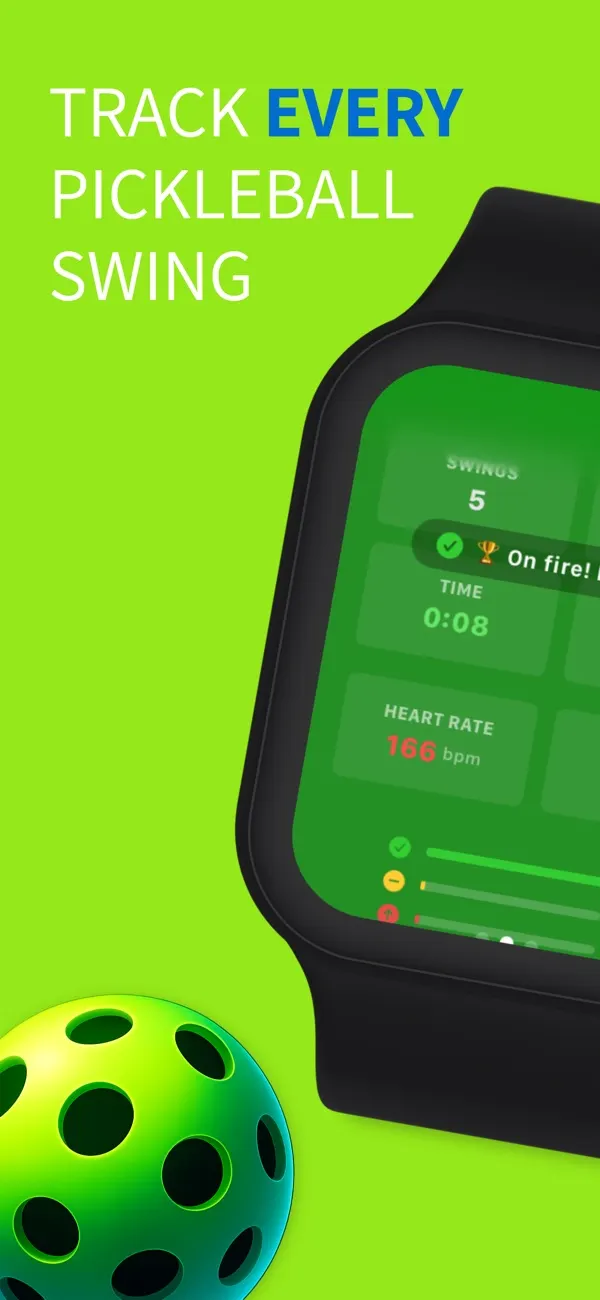
Your Apple Watch counts and grades every swing while you play, then shows each shot in your summary: dinks, drives, volleys, slices and smashes. No phone on the court, no extra sensors, no setup.
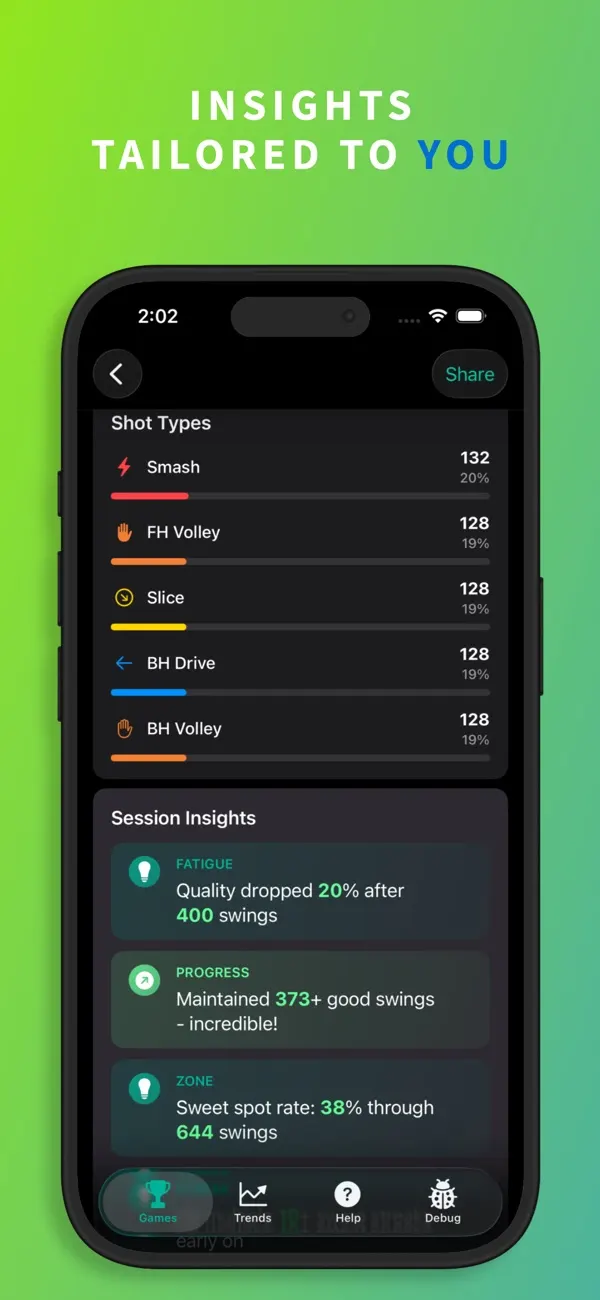
What PickleWatch tracks
Every shot, named
Picks out dinks, drives, volleys, slices and smashes from your wrist motion. Dinks, drives and volleys are split into forehand and backhand.
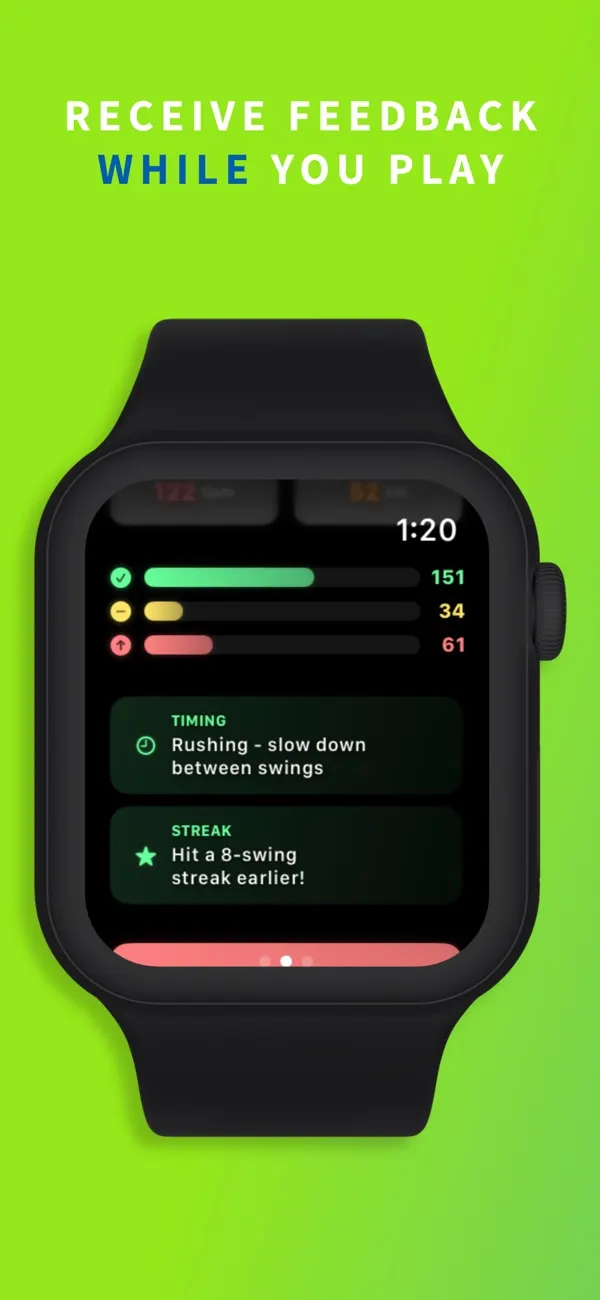
Instant grades
Your watch flashes green, yellow or red after each swing, so you see your grade right away.
Estimated swing speed
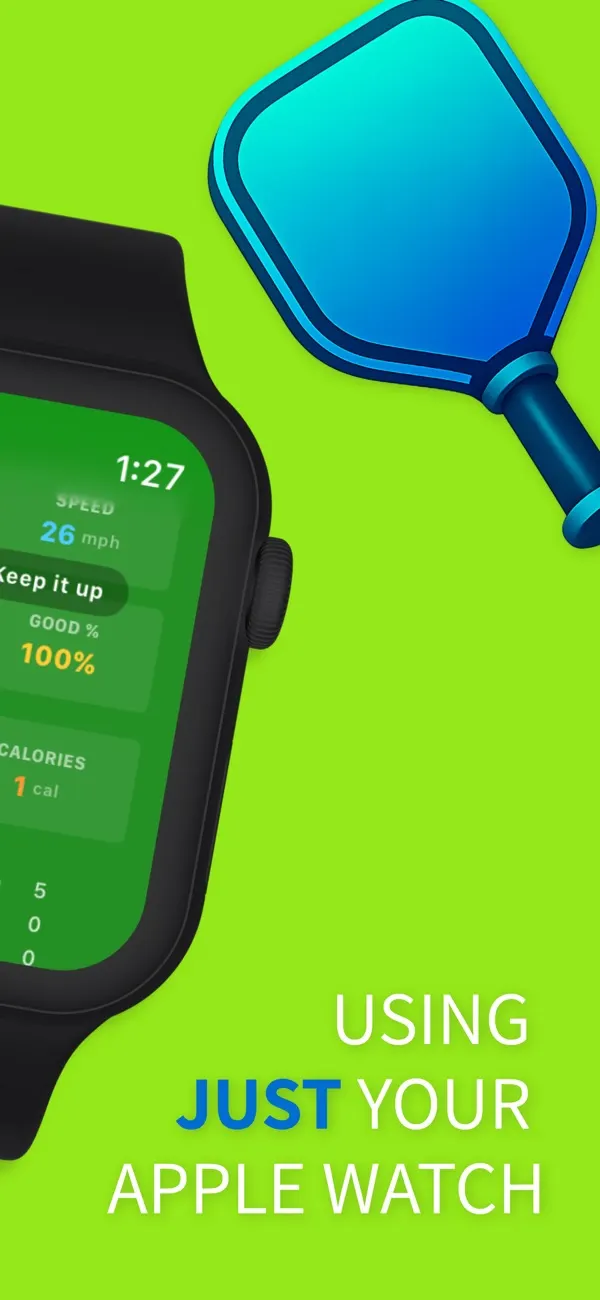
See an estimated speed for each swing in mph, plus your top speed and how consistent you are.
Pickleball score keeper
Tap to add points for you or your opponents. It plays to 11, win by 2, and flags game point.
Heart rate and calories
Sessions save to Apple Health as pickleball workouts, if you allow it.
Progress on iPhone
With PickleWatch Pro, session summaries, trends, streaks and achievements show where you're improving.
How it works
- Open PickleWatch on your Apple Watch and tap start.
- Play your game. Leave your phone in your bag.
- See every shot, your grades and your speed when you finish.
Read the full guide: how to track pickleball on Apple Watch.
Questions
Is there a pickleball app for Apple Watch?
Yes. PickleWatch runs on your Apple Watch and tracks every pickleball swing automatically. It also keeps score and can save each session as a pickleball workout.
Is PickleWatch free?
It's free to download, and tracking on Apple Watch is free. To see your history, stats and trends in the iPhone app, you need a PickleWatch Pro subscription.
Do I need my iPhone on the pickleball court?
No. Your watch tracks every rally on its own. Sessions move to the iPhone app once your phone is back in range.
Which devices does it work on?
An Apple Watch with watchOS 9.6 or later, paired with an iPhone on iOS 17.6 or later.
Does it work if I wear my watch on my left wrist?
Yes. Choose your wrist on the watch before you play so forehands and backhands are read correctly.
How does PickleWatch estimate swing speed?
It works out how fast your paddle travels from the rotation of your wrist, read by the watch's motion sensors. Treat it as an estimate, not a radar reading of ball speed.
Does PickleWatch work with Strava?
Yes, from version 2.13. In the iPhone app, open Help and tap Connect with Strava. Each game then posts to Strava as a pickleball activity with your score, shots, top speed, heart rate and calories. You can turn automatic posting off or disconnect at any time.
Where does my data go?
The privacy policy says your swing stats stay on your devices, unless you choose to post games to Strava. The app sends anonymous usage analytics (Google Analytics and Smartlook) to help improve it. Read the PickleWatch privacy policy.