
PingPongWatch: ping pong tracker for Apple Watch
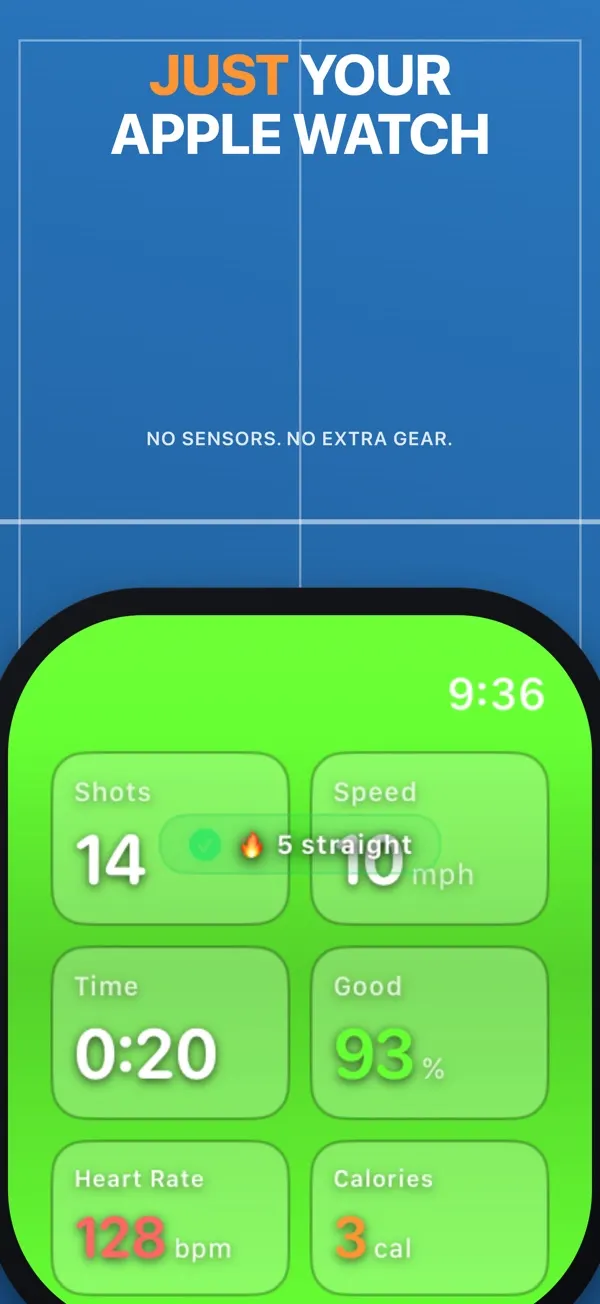
PingPongWatch reads your table tennis strokes from the wrist that holds your paddle: drives, pushes, blocks, chops and smashes. It grades each stroke and keeps score on the watch, with games to 11.

What PingPongWatch tracks at the table
Each stroke by name
Drives, pushes and blocks on both the forehand and backhand side. Chops and smashes too. All read from the motion of your wrist.
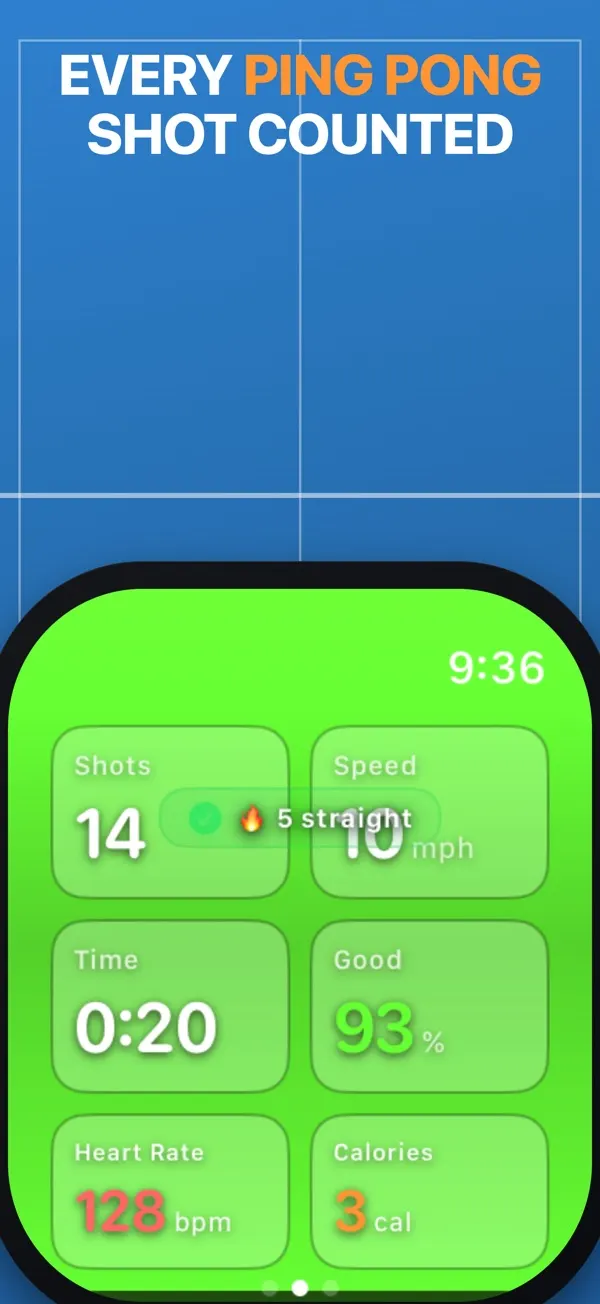
Stroke quality at a glance
The display lights up green, orange or red after each stroke. Choose beginner, intermediate or advanced so the grading matches your level.
Estimated stroke speed
Each stroke shows an estimated speed in mph. The session keeps your average and your fastest stroke.
Table tennis score keeper
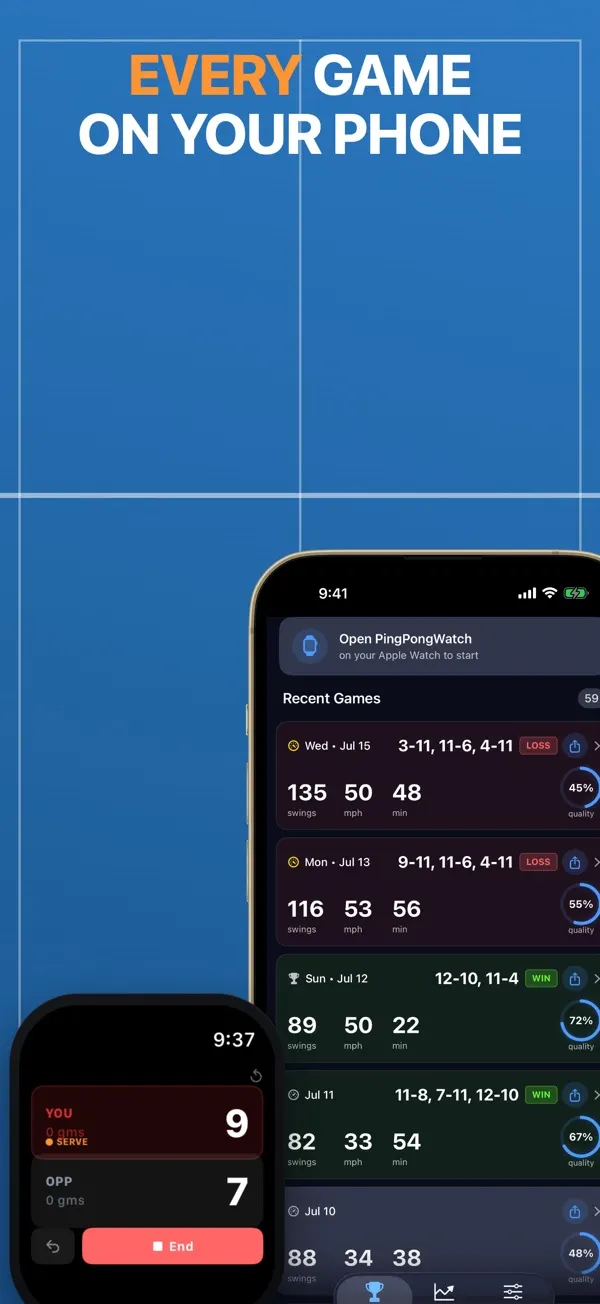
Tap your side or your opponent's after each rally. Games go to 11 with a 2-point margin, and the watch marks who serves.
Table tennis workouts
The live screen keeps your heart rate and calorie burn next to your stroke count. With your permission, each session is logged in Apple Health under table tennis.
Match history on iPhone
Sessions sync to your iPhone with game scores, wins and losses. Achievements and streaks mark your progress over time.
How it works
- Strap your watch to the wrist of your paddle hand, then open PingPongWatch to begin a session.
- Rally as normal. Swipe to the scoreboard and tap to add each point if you want to keep score.
- When you finish, the watch summary splits your strokes by type and grade, with your estimated speed and a few coaching tips.
Questions
Is there a ping pong app for Apple Watch?
Yes. PingPongWatch is made for table tennis on Apple Watch. It reads your strokes from your paddle-hand wrist, and it can run the match scoreboard and show who serves.
Is PingPongWatch free?
The download is free, and so are stroke tracking and the scoreboard on the watch. On iPhone you need a subscription to see your sessions and extra stats, like your peak speed trend.
Can I play without my iPhone nearby?
Yes. The watch runs stroke tracking and the scoreboard on its own. Keep your iPhone away from the table and open the app later to see the session.
Can my Apple Watch keep score in table tennis?
Yes. Tap a side to give that player the point. Games go to 11 and must be won by 2, and a match is best of five. The watch shows who serves, switching every two points and every point from 10-10. Tapped the wrong side? Undo the last point.
Which devices does it work on?
PingPongWatch needs watchOS 26.2 or later on your Apple Watch, and iOS 26.2 or later on the iPhone it's paired with.
Where does the speed number come from?
It's an estimate of paddle speed. The watch measures how fast your wrist rotates during the stroke and scales it by the height you pick in settings. It isn't the speed of the ball, and no radar is involved.
Where does my data go?
The privacy policy says your shot tracking is processed on your Apple Watch and iPhone, and your scores and session history stay on your devices. There are no third-party analytics, and Apple and RevenueCat handle subscription purchases. Read the PingPongWatch privacy policy.