
SquashWatch: squash tracker for Apple Watch
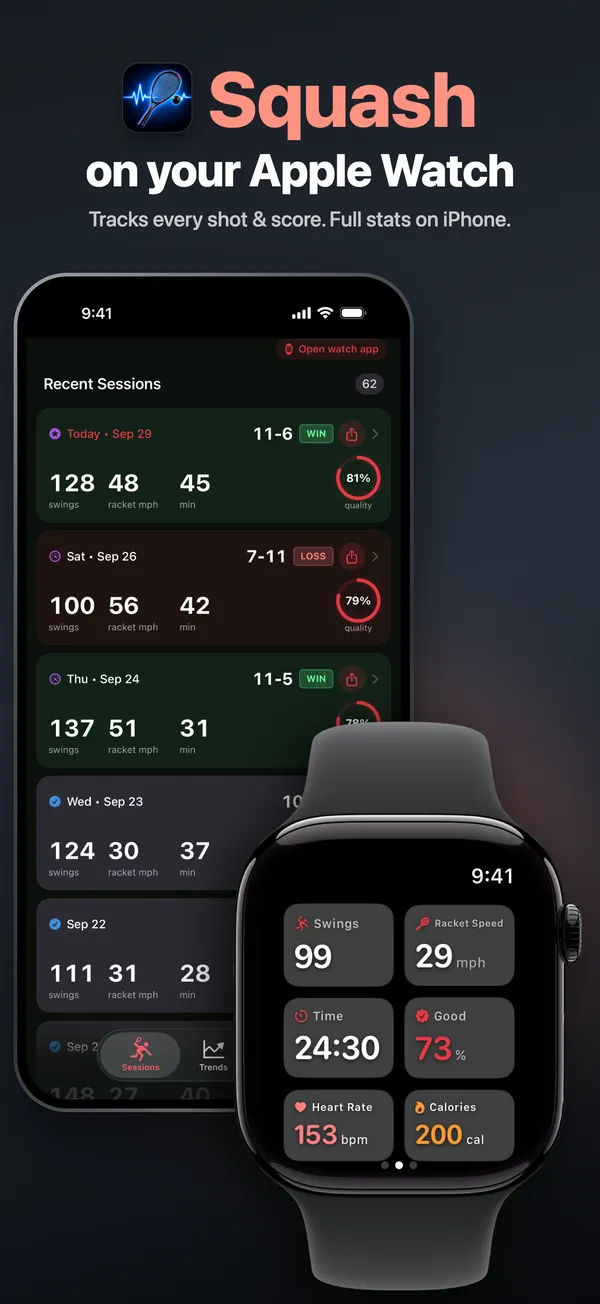
Wear your watch on your racket hand and play. SquashWatch counts your swings, rates each one and keeps the PAR-11 score. Afterwards it sorts your shots into drives, cross-courts, boasts, drops, lobs, volleys and kills.
What your watch picks up on court
Squash shots by name
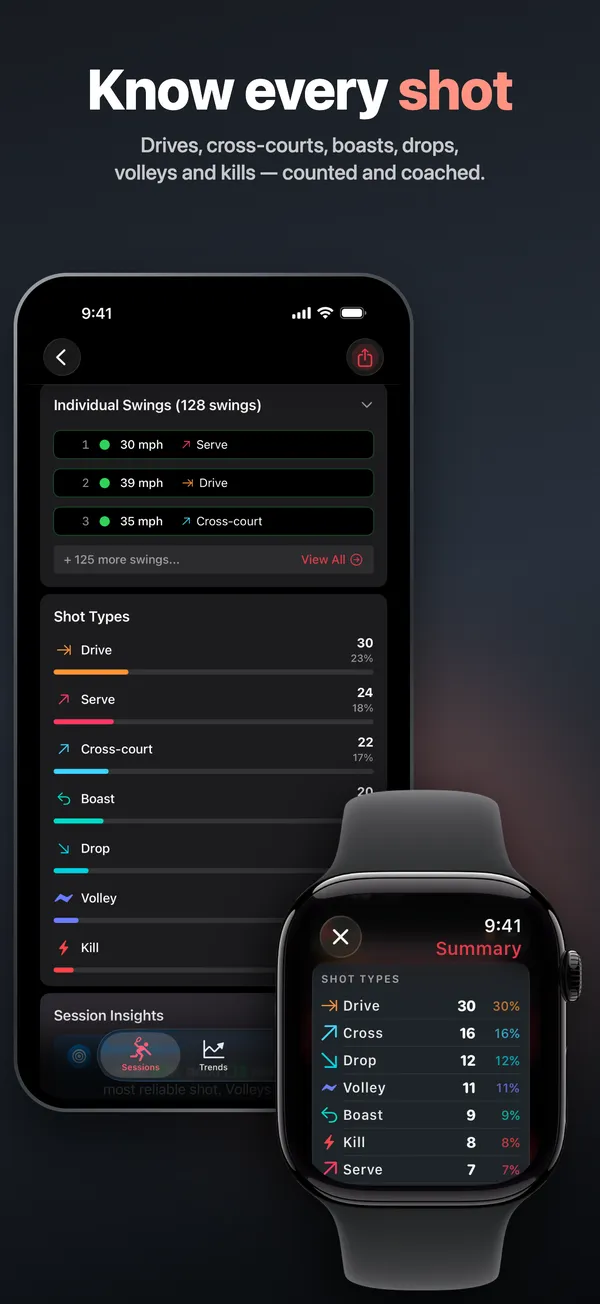
Drives, cross-courts, boasts, drops, lobs, volleys and kills, plus serves. Your watch's motion sensors pick them up, and the summary shows how many of each you hit.
Good, medium or poor
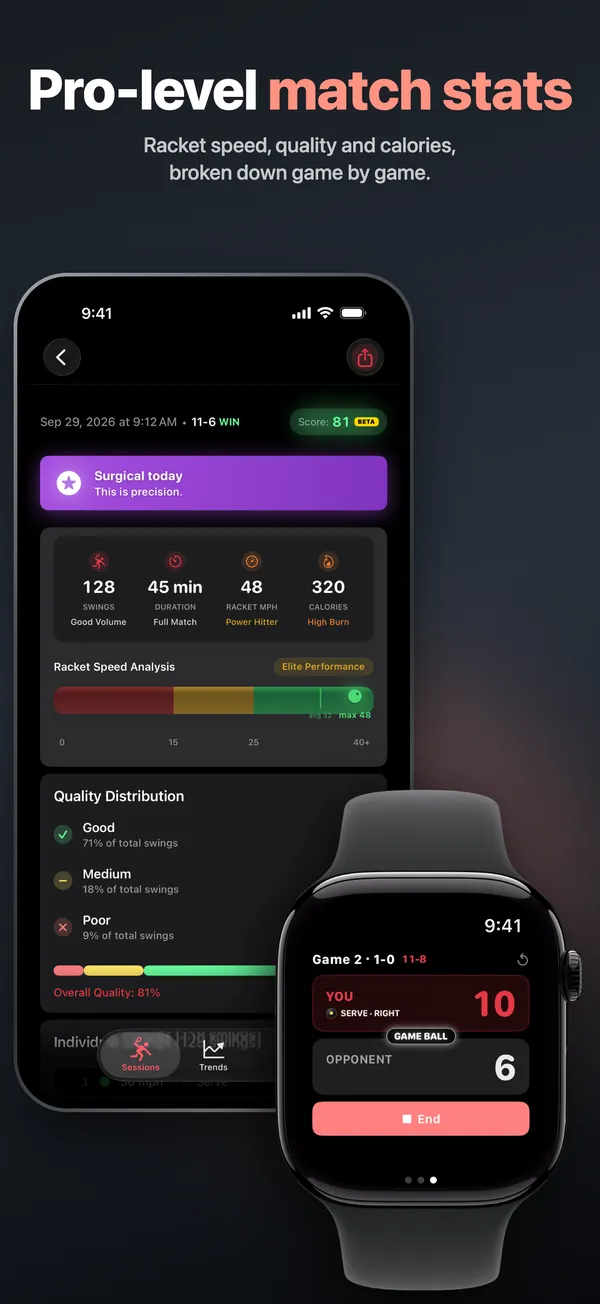
After each swing the screen flashes green, yellow or red. When you end the session, your watch shows how your swings split between them.
PAR-11 scoring
Games to 11, win by 2, best of five. Tap a score to give that side the point, and use the minus button if you slip. A badge shows who's serving and from which box.
Estimated racket speed
Your last swing in mph as you play, then your top and average speed for the session. The watch estimates it from how fast your wrist turns.
Apple Health workouts
With your permission, each session is saved to Apple Health as a Squash workout with heart rate and calories.
Results on your iPhone
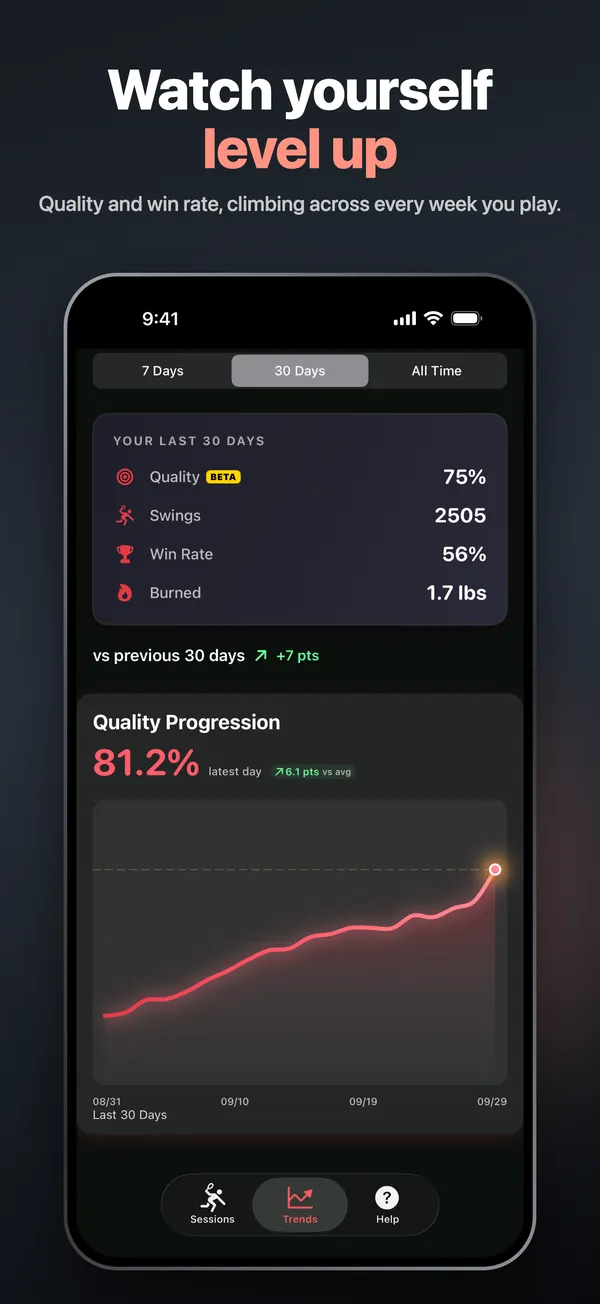
Look back at past games, see your trends over 7 days, 30 days or all time, and share a game card. The iPhone app needs a subscription.
How it works
- Open SquashWatch on your Apple Watch, pick the wrist you wear it on and tap START.
- Play. Between rallies, swipe to the score page and tap a score to give that side the point.
- When you finish, your watch shows your shot mix, swing ratings and estimated speed. The session then shows up in the iPhone app.
Read the full guide: how to track squash on Apple Watch.
Questions
Can an Apple Watch track squash?
Yes. Apple's built-in Squash workout records your time, heart rate and calories. SquashWatch adds what it leaves out: a swing count, shot types, a rating for each swing and the PAR-11 score.
Does it use PAR-11 scoring?
Yes. Games go to 11, and at 10-10 you need to win by 2. Matches are best of five. There's no option for other scoring formats.
How much does SquashWatch cost?
Nothing to download. Swing tracking and scoring on the watch are free. On iPhone you need a subscription to see your games, trends and full breakdown.
Can I leave my phone off court?
Yes. The watch tracks swings and score on its own. The session copies across to your iPhone once the two reconnect.
Does it work with my Apple Watch?
It does if the watch runs watchOS 9.6 or later. The SquashWatch app on your iPhone asks for iOS 17.6 or later.
How accurate is the speed number?
Treat it as a guide. SquashWatch estimates how fast your racket moves from how fast your wrist turns, adjusted for your height. Ball speed isn't measured.
What happens to my data?
The privacy policy says shot tracking runs on your Apple Watch and iPhone, and your detailed shot data stays on your devices. When you finish a game, a short summary with the score, game length, shot counts and top speed goes to Google Analytics. The policy also lists Firebase Crashlytics, Smartlook and RevenueCat. Workouts reach Apple Health only with your permission. The full details are in the SquashWatch privacy policy.